


Links & Anchors
Overview
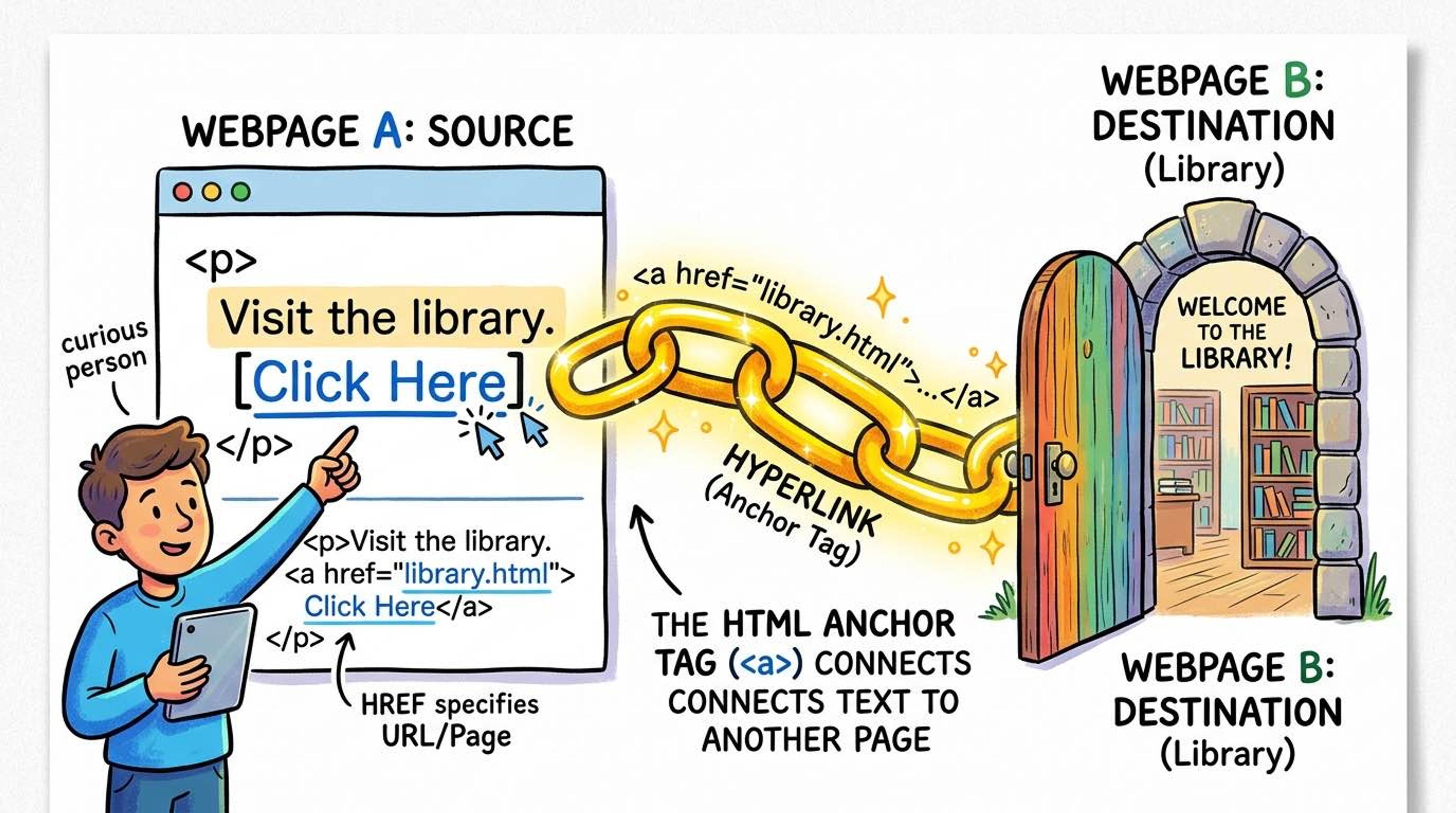
The `<a>` (anchor) tag is the absolute foundation of the World Wide Web. Without links, the web would just be isolated documents. Links allow us to connect pages together, making navigation possible.
You can use links to jump to another website (external link), navigate to another page on your own website (internal link), or even jump to a specific section on the exact same page you're currently reading (anchor link).
Syntax
To create a link, you MUST use the `href` attribute. This tells the browser *where* the link should take the user when clicked.
For external sites, you must include the full URL (like `https://...`). For pages on your own site, you just use the path (like `/about`).
<!-- External link to another website -->
<a href="https://google.com">Search on Google</a>

<!-- Internal link to another page on your site -->
<a href="/about-us">Read About Us</a>
Sometimes you want a link to open in a new tab so the user doesn't lose their place on your website. To do this, add `target="_blank"`.
Whenever you use `_blank`, it's a security best practice to also add `rel="noopener noreferrer"`. This prevents the newly opened tab from secretly hijacking the original tab.
<a href="https://wikipedia.org" target="_blank" rel="noopener noreferrer">
  Learn more on Wikipedia
</a>
You can also link to a specific part of the SAME page. First, give a section an `id`. Then, make a link pointing to that id using a hash symbol `#`.
You can even make links that open the user's email client or dial a phone number!
<!-- Jump to a section on the same page -->
<a href="#footer">Jump to bottom</a>

<!-- Later down the page... -->
<div id="footer">This is the bottom of the page</div>

<!-- Click to open default email app -->
<a href="mailto:hello@example.com">Email Us</a>

<!-- Click to call on mobile -->
<a href="tel:+919876543210">Call Us</a>
Common Pitfalls
- Always add rel='noopener noreferrer' when using target='_blank' to prevent phishing attacks (tab-napping).
- Don't use 'Click here' as link text. Blind users scan pages by reading links out loud; 'Click here' provides zero context. Use descriptive text like 'View my GitHub profile'.
Real-World Example
A navigation bar with internal, external, and anchor links:
<nav>
  <a href="/">Home</a>
  <a href="/projects">Projects</a>
  <a href="#contact-form">Contact</a>
  <a href="https://github.com/priyasharma" target="_blank" rel="noopener noreferrer">
    GitHub ↗
  </a>
</nav>