


Images
Overview
The `<img>` element embeds pictures into a web page. Images are crucial for making websites visually engaging.
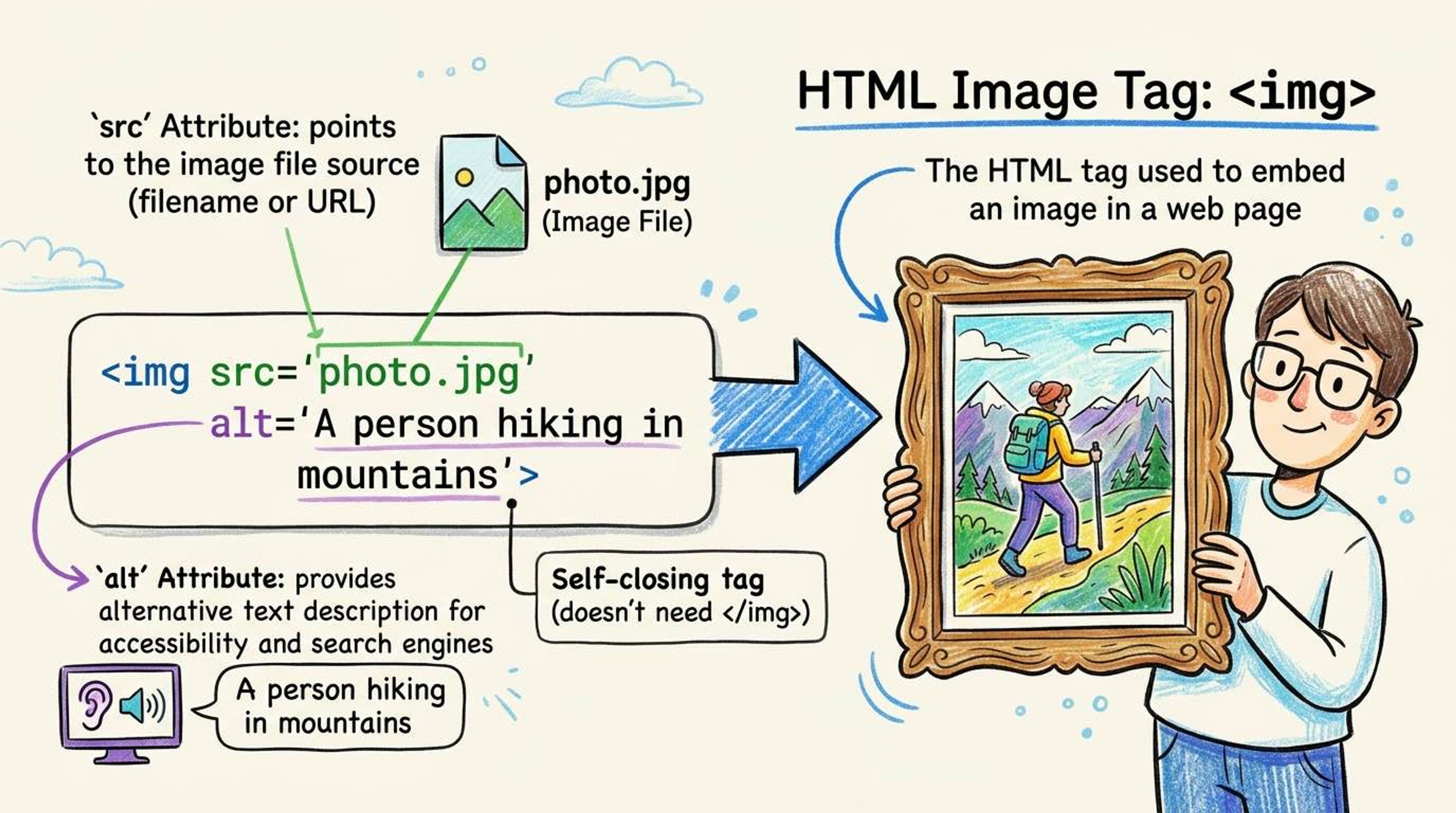
Unlike paragraphs or headings, the `<img>` tag is a 'void element'—meaning it does not have a closing tag. It relies completely on its attributes to know what to display and how to describe it to people who cannot see it.
Syntax
The `src` attribute tells the browser where the image file is located. It can be a local file or a URL from the internet.
The `alt` attribute (Alternative Text) is MANDATORY. If the image fails to load (e.g. slow internet), the alt text is shown instead. More importantly, screen readers read this text out loud to blind users so they know what the picture is.
<!-- A standard image. Notice it self-closes at the end. -->
<img src="/images/puppy.jpg" alt="A golden retriever puppy playing in the grass" />

<!-- ❌ BAD ALT TEXT: Avoid saying 'image of' -->
<img src="puppy.jpg" alt="image of a puppy" />
Always provide `width` and `height` attributes (in pixels). This tells the browser how much space the image will take up BEFORE it even finishes downloading, preventing the page layout from 'jumping' around as images load.
Use `loading="lazy"` for images far down the page so they only download when the user scrolls near them. This makes your website much faster!
<img
  src="/banner.jpg"
  alt="Company team at the office"
  width="1200"
  height="600"
  loading="lazy"
/>
Common Pitfalls
- Always provide meaningful alt text — 'image' or 'photo' is useless. Describe what's ACTUALLY happening in the image.
- For decorative images (like abstract background shapes that don't add meaning), use an empty string for alt: alt=''. This tells screen readers to safely skip it.
- Interview tip: WebP format is heavily preferred over JPG/PNG because it is 25–35% smaller with the same quality.
Real-World Example
A team member card with an optimized, accessible image:
<div class="team-card">
  <img
    src="/team/rahul.webp"
    alt="Rahul Mehta, Senior Engineer smiling"
    width="200"
    height="200"
    loading="lazy"
  />
  <h3>Rahul Mehta</h3>
  <p>Senior Engineer</p>
</div>