


Basic HTML Architecture
Overview
Every single webpage on the internet, from Google to Facebook to your personal blog, shares the exact same foundational architecture.
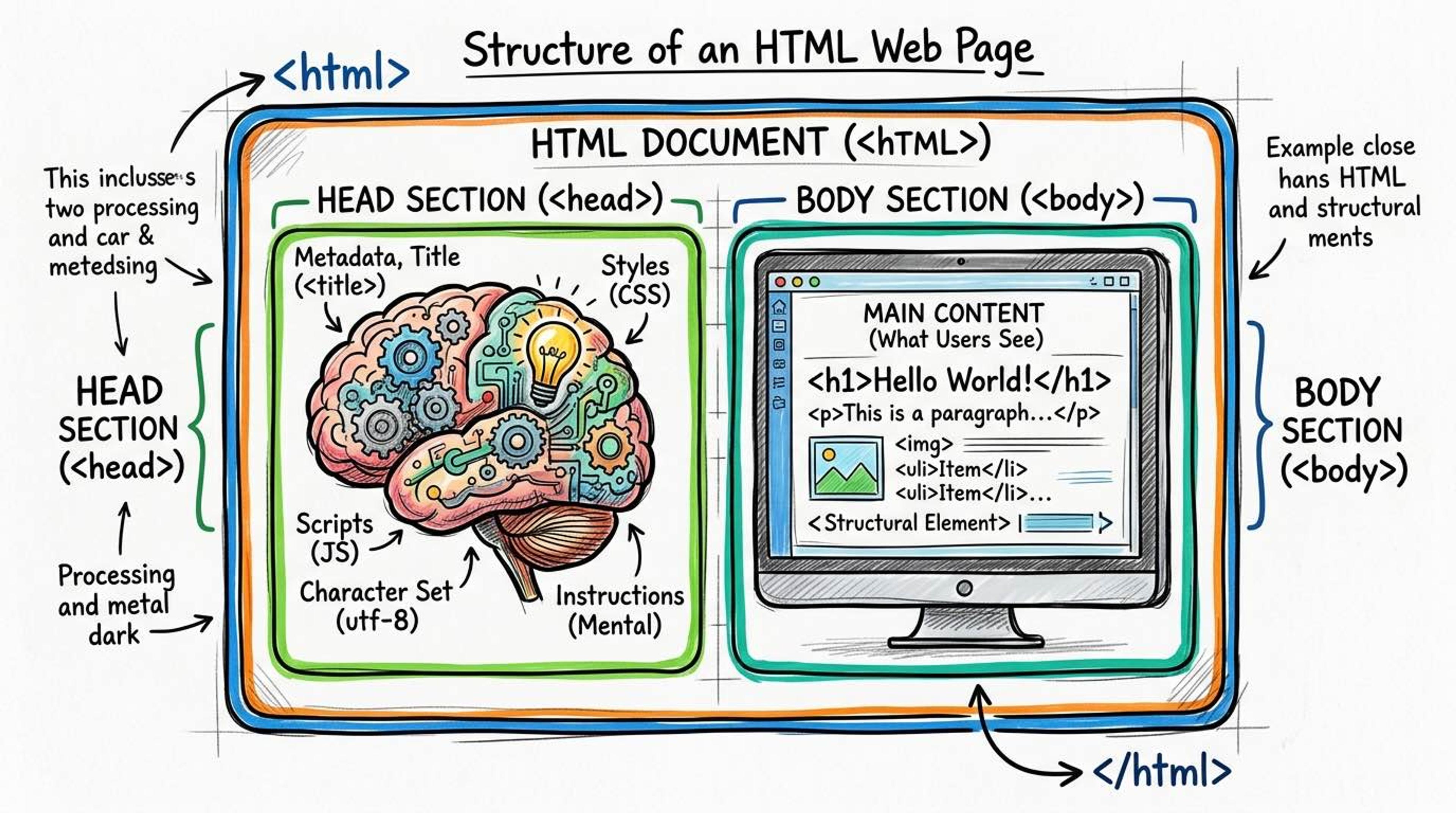
Think of a web page like a human body. The `<!DOCTYPE html>` is the birth certificate declaring it's a human. The `<html>` tag is the entire skin wrapping the body. The `<head>` is the brain (hidden thoughts, knowledge, and rules). The `<body>` is the physical body that everyone can see and interact with.
Syntax
This is the absolute minimum code required for a valid HTML5 document. Without this structure, browsers have to 'guess' what you mean, which leads to your website breaking randomly on different computers.
<!DOCTYPE html>
<html lang="en">
<head>
  <meta charset="UTF-8">
  <meta name="viewport" content="width=device-width, initial-scale=1.0">
  <title>Document Title</title>
</head>
<body>
  <!-- All visible content goes here -->
</body>
</html>
The `<html>` tag is known as the 'root' element because everything else grows inside it. You should always include the `lang` attribute to tell screen readers and Google what language the page is written in.
<!-- Tells Google this page is in English -->
<html lang="en">

<!-- Tells Google this page is in Hindi -->
<html lang="hi">
Common Pitfalls
- Never put visible content (like <h1> or <p> tags) inside the <head>. The <head> is strictly for metadata.
- Never put <title> or <meta> tags inside the <body>.
Real-World Example
How CSS and JavaScript are connected to this architecture:
<!DOCTYPE html>
<html lang="en">
<head>
  <meta charset="UTF-8">
  <title>Interactive Page</title>
  <!-- CSS goes in the HEAD (load rules before showing the body) -->
  <link rel="stylesheet" href="styles.css">
</head>
<body>
  <h1>Hello World</h1>

  <!-- JavaScript goes at the BOTTOM of the BODY (so it doesn't block the HTML from loading) -->
  <script src="app.js"></script>
</body>
</html>