

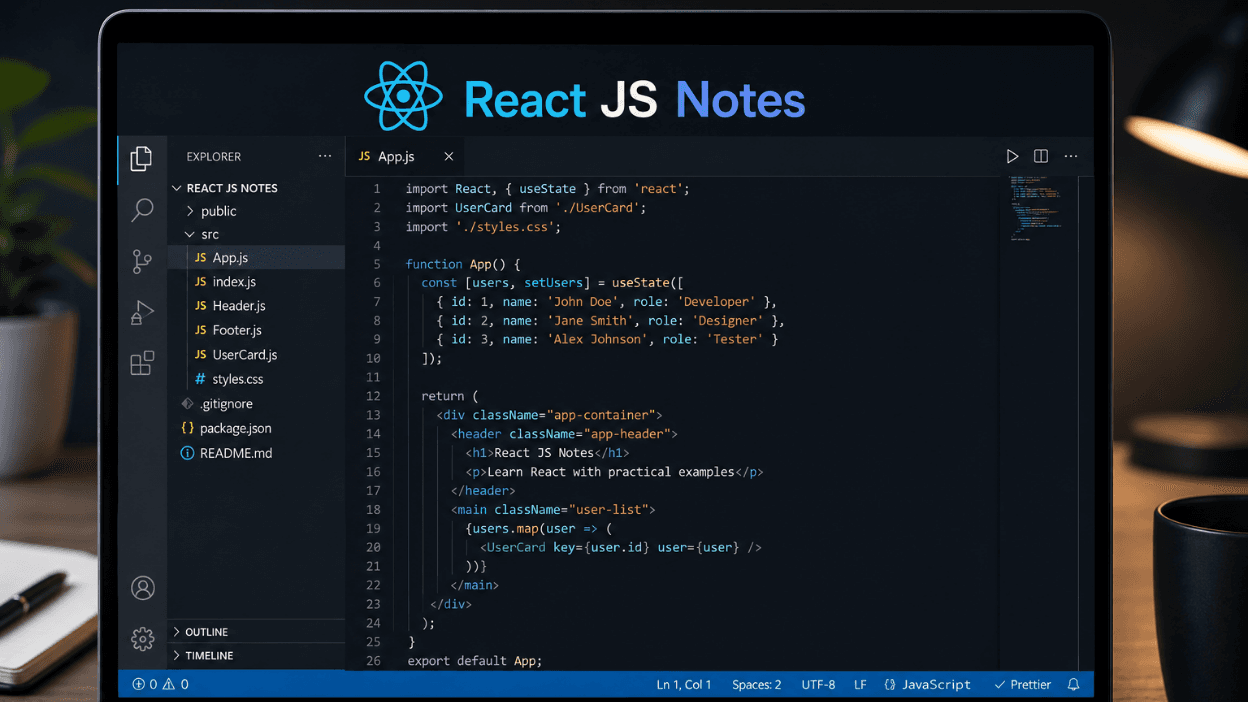
React looks simple in a five-minute tutorial and confusing the moment you start building something real components, props, state, hooks, all colliding at once. These React JS notes from Underrated Coder walk through the concepts in the order they actually build on each other, so you have one clear reference to revise from before interviews or your next project.
React JS notes are a structured summary of the library's core concepts — components, JSX, props, state, hooks, and the component lifecycle — organized for quick learning and revision. They help beginners understand how React actually renders and updates the UI, and give experienced developers a fast reference before interviews or when picking up a new codebase.
What Is React, and Why Does It Matter
React is a JavaScript library for building user interfaces, built around one core idea: break your UI into small, reusable components, and let React handle updating the DOM efficiently when your data changes. Instead of manually finding and updating HTML elements the way you would with plain JavaScript, you describe what the UI should look like for a given state, and React figures out the fastest way to make that happen.
JSX: Writing HTML Inside JavaScript
JSX is the syntax extension that lets you write HTML-like code directly inside JavaScript. It looks like HTML but compiles down to regular JavaScript function calls under the hood.
jsx
function Greeting() { return <h1>Hello, welcome to React!</h1>; }
A few JSX rules trip up almost every beginner: you must return a single parent element (or use a fragment <>...</>), attributes use camelCase (className instead of class), and any JavaScript expression inside JSX goes in curly braces {}.
jsx
function UserCard({ name, age }) { return ( <div className="card"> <h2>{name}</h2> <p>{age} years old</p> </div> ); }
Components: The Building Blocks of React
Everything in React is a component — a reusable piece of UI that takes inputs and returns what should be rendered.
Functional Components
Modern React almost exclusively uses functional components, written as plain JavaScript functions that return JSX.
jsx
function Welcome() { return <h1>Welcome to the app!</h1>; }
Class Components (Legacy)
Older React codebases use class components, which you'll still encounter in existing projects even though new code rarely uses them.
jsx
class Welcome extends React.Component { render() { return <h1>Welcome to the app!</h1>; } }
Knowing class components still matters for reading legacy code and for certain interview questions, even though functional components with hooks are the current standard.
Props: Passing Data Between Components
Props (short for "properties") let you pass data from a parent component down to a child component. Props are read-only — a component should never modify the props it receives.
jsx
function Profile(props) { return <h2>Hello, {props.name}!</h2>; } // Usage <Profile name="Aman" />
Destructuring props directly in the function signature is the more common style in modern React code, since it's shorter and makes the expected props obvious at a glance.
jsx
function Profile({ name, age }) { return <h2>{name} is {age} years old</h2>; }
State: Data That Changes Over Time
While props flow in from outside, state is data a component manages internally and can update on its own. The useState hook is how you add state to a functional component.
jsx
import { useState } from "react"; function Counter() { const [count, setCount] = useState(0); return ( <div> <p>Count: {count}</p> <button onClick={() => setCount(count + 1)}>Increment</button> </div> ); }
Calling setCount doesn't update the variable immediately in the current render — it schedules a re-render with the new value. This distinction is one of the most common sources of confusion for beginners debugging why a value "isn't updating" inside an event handler.
The useEffect Hook
useEffect lets you run code in response to a component rendering — fetching data, subscribing to events, or manually updating something outside React's normal rendering flow.
jsx
import { useState, useEffect } from "react"; function UserData({ userId }) { const [user, setUser] = useState(null); useEffect(() => { fetch(`https://api.example.com/users/${userId}`) .then(res => res.json()) .then(data => setUser(data)); }, [userId]); return <div>{user ? user.name : "Loading..."}</div>; }
The array at the end ([userId]) is the dependency array — it tells React to re-run the effect only when userId changes. An empty array [] means the effect runs once, after the first render; leaving it out entirely means the effect runs after every single render, which is rarely what you want.
Handling Events
React events are named using camelCase and passed as functions, not strings like in plain HTML.
jsx
function Button() { function handleClick() { alert("Button clicked!"); } return <button onClick={handleClick}>Click Me</button>; }
A common mistake is calling the function immediately (onClick={handleClick()}) instead of passing a reference to it (onClick={handleClick}) — the first runs the function on every render, while the second only runs it when the button is actually clicked.
Conditional Rendering
React doesn't have a special templating syntax for conditionals — you just use regular JavaScript inside JSX.
jsx
function Greeting({ isLoggedIn }) { return ( <div> {isLoggedIn ? <h2>Welcome back!</h2> : <h2>Please log in.</h2>} </div> ); }
The && operator is a common shorthand when you only want to render something conditionally with no alternative:
jsx
{unreadCount > 0 && <span>{unreadCount} new messages</span>}
Lists and Keys
Rendering a list of items in React usually means mapping over an array and returning JSX for each item.
jsx
function TodoList({ todos }) { return ( <ul> {todos.map(todo => ( <li key={todo.id}>{todo.text}</li> ))} </ul> ); }
The key prop is required and matters more than it looks — React uses it to track which items changed, were added, or were removed between renders. Using the array index as a key works for static lists but causes subtle bugs in lists that reorder or filter, so a stable unique ID is the safer default.
Other Commonly Used Hooks
useContext— access shared data (like theme or user info) without passing props through every level of the component treeuseRef— reference a DOM element directly, or persist a value across renders without triggering a re-renderuseMemo— cache the result of an expensive calculation so it doesn't re-run on every renderuseCallback— cache a function definition so it doesn't get recreated on every render, useful when passing callbacks to optimized child components
Frequently Asked Questions
What are the basics of React for beginners?
The basics include components, JSX, props, state, and the useState and useEffect hooks. Once these feel comfortable, conditional rendering, lists with keys, and additional hooks like useContext are the natural next step.
What's the difference between props and state in React?
Props are read-only data passed into a component from its parent, while state is data a component manages internally and can update itself. Props flow one direction (parent to child), while state changes trigger the component that owns it to re-render.
Do I need to learn class components to learn React in 2026?
Not to build new projects — functional components with hooks are the current standard and cover everything class components used to do. It's still worth recognizing class component syntax, since many existing production codebases haven't been migrated.
What is the dependency array in useEffect?
The dependency array tells React when to re-run an effect — it re-runs only when one of the listed values changes between renders. An empty array means the effect runs once after the initial render, while omitting it entirely causes the effect to run after every render.
What should I learn after mastering these React basics?
After the fundamentals, most learners move into React Router for multi-page navigation, state management tools like Context API or Redux for larger apps, and eventually a meta-framework like Next.js. Building a few small real projects is the fastest way to make these concepts stick.
Conclusion
These React JS notes cover the concepts that come up in almost every project — components, JSX, props, state, hooks, and rendering lists correctly. Bookmark this as your quick-reference guide, and pair it with hands-on project building to make it stick. For more structured programming guides like this one, keep following Underrated Coder.