

Interview Preparation
Community
Help & Support
You can build real projects in college with free AI coding tools if you pick one editor, one chat assistant, and one honest study rule. This guide names Cursor, VS Code, GitHub Copilot for students, ChatGPT, Gemini, Codeium, and Ollama. You get a comparison table, sample prompts, a full weekly routine, and mistakes that hurt placements.

Written by Kartik Rai
Working at Adobe · Founder, Underrated Coder

You can build real projects in college with free AI coding tools if you pick one editor, one chat assistant, and one honest study rule. This guide names Cursor, VS Code, GitHub Copilot for students, ChatGPT, Gemini, Codeium, and Ollama. You get a comparison table, sample prompts, a full weekly routine, and mistakes that hurt placements.
Written by Kartik Rai
Working at Adobe · Founder, Underrated Coder
Free AI coding tools are browser chats and editor plugins that suggest code from plain English. You still read the diff, run the app, and fix bugs yourself. That is the whole point for BTech and BCA students who want speed without skipping fundamentals.
You do not need a paid stack on day one. Most students do well with VS Code or Cursor on the free tier, plus ChatGPT or Gemini in the browser. Add GitHub Copilot when your college email clears the Student Developer Pack. Use our Coding Hub when you want a structured language path instead of random YouTube tabs.
This guide compares real products, shows sample prompts, and gives you a full week plan. The goal is simple: ship small features faster while keeping DSA Sheet practice honest for campus drives and off-campus OA.
You might live in a hostel with slow Wi-Fi, an old laptop, and one phone hotspot. The tools here have usable free tiers or student programs. We skip shiny builders that hide source code.
Vibe coding means you describe the outcome in plain English and let the model draft scaffolding. You review the diff, rename variables so they make sense, and run tests before you commit. It shines for React forms, Express CRUD routes, Tailwind layouts, and bash scripts for lab submissions.
It fails when you paste a full LeetCode solution into an OA tab or let autocomplete finish every DSA sheet problem. Interviewers can tell when you cannot walk through time complexity on a whiteboard. Treat AI as a typing accelerator, not a substitute for thinking.
A healthy rule: use vibe coding on projects after 6 pm, and keep morning blocks for pen-and-paper logic. If the model wrote a tricky loop, rewrite it once by hand and add a comment that states the invariant in your own words.
No single tool wins every task. Editors are best inside your repo. Browser chats are best for architecture questions and error logs. Local runners help when the hostel Wi-Fi drops during deadline week.
Start with two tools, not six. Pick Cursor or VS Code with one plugin, then pin one chat tab. Add Copilot when verification lands. Expand only when you hit a clear limit, like daily message caps or missing project context.
Use the table below before you install anything new. Limits change often, so treat caps as directionally correct and check each vendor's student page before your final year demo.
| Tool | Best for | Free tier limit | Main catch |
|---|---|---|---|
| Cursor (free tier) | Whole-project edits in a VS Code-style UI | Monthly premium model allowance | Heavy use burns credits fast; read diffs carefully |
| VS Code + GitHub Copilot (student) | Inline autocomplete in class labs | Free with verified Student Pack | Needs GitHub education approval; not for anonymous OA sites |
| ChatGPT / Gemini (free) | Explaining stack traces and short scripts | Daily message and upload caps | No full repo context unless you paste files |
| Codeium (free) |
Install VS Code first. It is lightweight and every campus lab already trusts it. Sign into GitHub and enable Copilot only after your Student Developer Pack email verifies. Until then, add the Codeium extension for inline suggestions inside Java, Python, or JavaScript files.
Install Cursor if you want multi-file Agent mode for course projects. Stay on the free tier until you ship paid freelance work. Keep one browser window for ChatGPT or Gemini. Paste only the files you are allowed to share under your college IP policy.
When JDK or Node installs fail on an old Windows image, run quick checks on our online compiler. Copy the working logic back into your repo once the lab PC cooperates. Commit small chunks daily so a crashed laptop does not erase a week of vibe-coded UI.
Weak prompts produce weak code. Strong prompts name the stack, the file, and the guardrails. Copy these patterns, then edit them for your assignment rubric.
For a React form: "You are a senior front-end dev. Stack: React 19 and Tailwind. Build a login form with email, password, client validation, and loading state. No external UI kits. Return one component file and list assumptions."
For debugging: paste the exact error, the last ten lines of the stack trace, and one sentence on what you already tried. Ask for three possible root causes ranked by likelihood, not a full rewrite.
For refactors: "Rewrite this 40-line function for readability only. Keep time complexity the same. Show a before-and-after diff and explain one tradeoff in plain English." That builds interview storytelling while still using free AI coding tools responsibly.
The biggest mistake is shipping code you cannot explain. Judges at college fests and engineers in technical rounds will ask why you picked a pattern. If your answer is "the AI did it," you lose trust fast.
Skip walled gardens that hide files, block git export, or lock deployment to their subdomain. Those are fine for classroom toys, not for a portfolio you will show TCS, Infosys, or a startup founder.
Skip all-in-one startup builders that promise a full product in one click. Recruiters recognize the same hero section and dashboard widgets. You are better off with a boring Next.js repo you understand line by line.
Skip running five assistants at once. They disagree, you merge nonsense, and git history turns into noise. One editor plus one chat is enough.
In our lab we leaned on a hosted REPL with a 200-run daily cap; when it reset mid-project, we moved the same files to VS Code plus Codeium and lost nothing because the repo was already on GitHub.
Monday morning: one interview question topic with zero AI. Write brute force, then optimized logic on paper. Type it into your repo only after you can state complexity aloud.
Tuesday evening: vibe-code one small feature, such as a search filter or API route. Before sleep, rewrite one function by hand and delete the AI comment block.
Wednesday: read official docs for the library you used Tuesday. Add one test or manual checklist entry that proves the feature works on slow Wi-Fi.
Thursday: pair DSA Sheet practice with debugging alone. When stuck, ask the chat for a hint, not the full solution.
Friday: ship a 50-line refactor. Comment every change in your own words. Push to GitHub and update the README with setup steps a junior can follow.
Saturday: optional Ollama session if you want offline practice. Pull a small code model and run prompts without internet.
Sunday: plan the next week, skim your git log, and delete dead branches. Rest counts as maintenance.
Quick answers for search and campus prep decisions.
Yes for course projects and hackathon prototypes if you own the logic. No for timed online assessments where rules ban external help. Recruiters care that you can explain your GitHub commits in a technical round. Balance AI-assisted building at night with honest DSA practice in the morning. That mix shows speed plus fundamentals, which is what most service and product companies want from fresh graduates.
Pair this article with free tools and live classes on the platform:
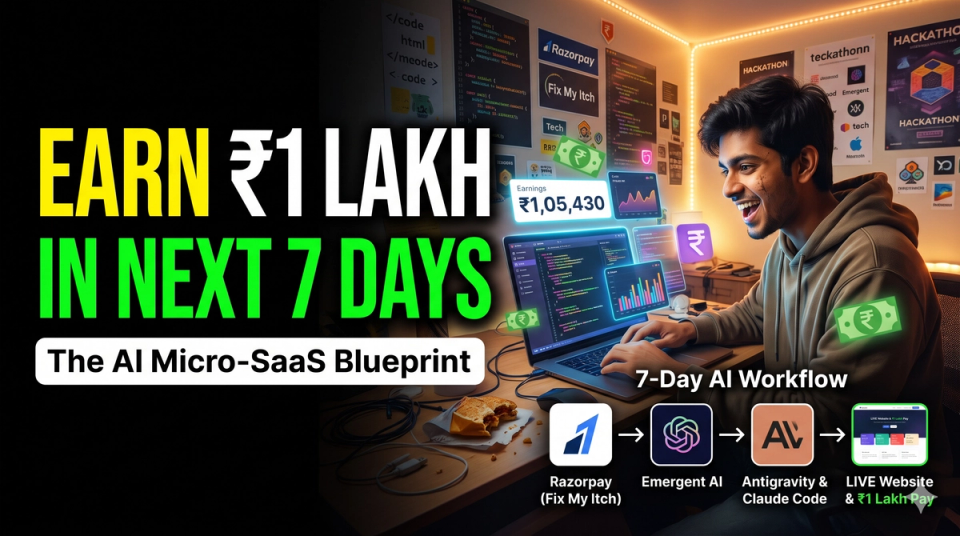
Learn how college students can earn ₹1 Lakh in 7 days by picking a validated problem from Razorpay Fix My Itch, designing architecture in Emergent AI, building with Google Antigravity or Claude Code, and distributing to paying users.
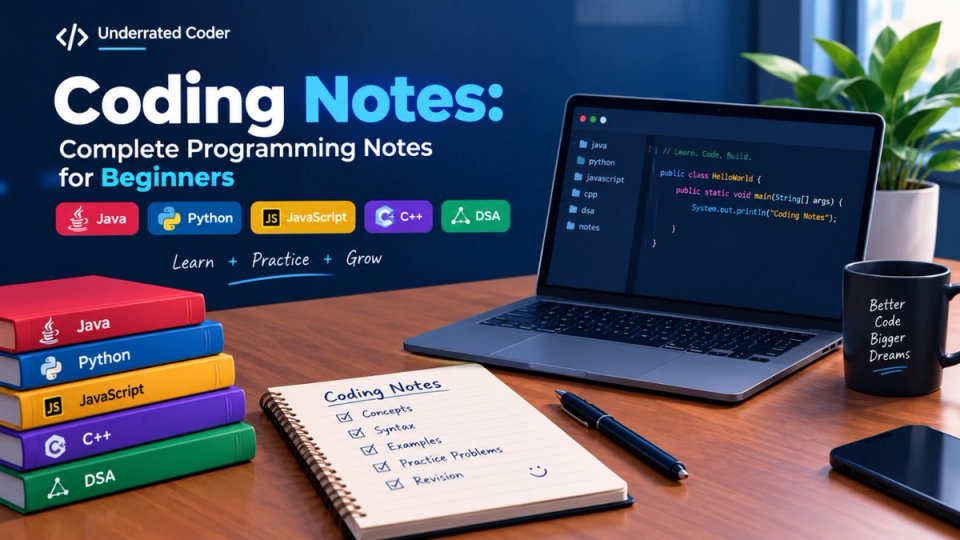
Explore coding notes for Java, Python, JavaScript, C++, and DSA. Learn programming concepts easily with beginner-friendly notes.
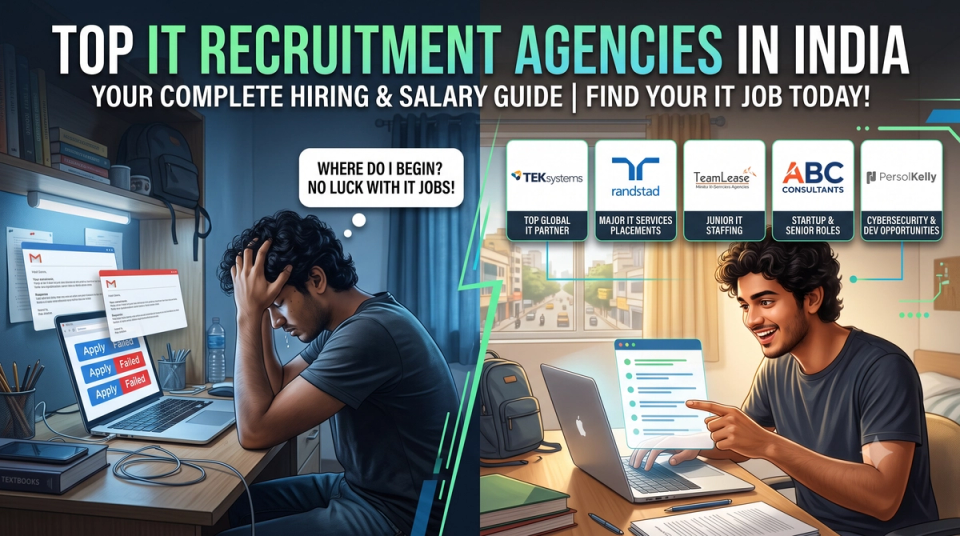
Stop applying blindly on job portals. Discover the top IT recruitment agencies in India, how their hiring process works, and get direct links to apply for tech jobs.
Read more on the blog or unlock Pro for live classes, mentorship, and full placement prep.
Free AI coding tools are browser chats and editor plugins that suggest code from plain English. You still read the diff, run the app, and fix bugs yourself. That is the whole point for BTech and BCA students who want speed without skipping fundamentals.
You do not need a paid stack on day one. Most students do well with VS Code or Cursor on the free tier, plus ChatGPT or Gemini in the browser. Add GitHub Copilot when your college email clears the Student Developer Pack. Use our Coding Hub when you want a structured language path instead of random YouTube tabs.
This guide compares real products, shows sample prompts, and gives you a full week plan. The goal is simple: ship small features faster while keeping DSA Sheet practice honest for campus drives and off-campus OA.
You might live in a hostel with slow Wi-Fi, an old laptop, and one phone hotspot. The tools here have usable free tiers or student programs. We skip shiny builders that hide source code.
Vibe coding means you describe the outcome in plain English and let the model draft scaffolding. You review the diff, rename variables so they make sense, and run tests before you commit. It shines for React forms, Express CRUD routes, Tailwind layouts, and bash scripts for lab submissions.
It fails when you paste a full LeetCode solution into an OA tab or let autocomplete finish every DSA sheet problem. Interviewers can tell when you cannot walk through time complexity on a whiteboard. Treat AI as a typing accelerator, not a substitute for thinking.
A healthy rule: use vibe coding on projects after 6 pm, and keep morning blocks for pen-and-paper logic. If the model wrote a tricky loop, rewrite it once by hand and add a comment that states the invariant in your own words.
No single tool wins every task. Editors are best inside your repo. Browser chats are best for architecture questions and error logs. Local runners help when the hostel Wi-Fi drops during deadline week.
Start with two tools, not six. Pick Cursor or VS Code with one plugin, then pin one chat tab. Add Copilot when verification lands. Expand only when you hit a clear limit, like daily message caps or missing project context.
Use the table below before you install anything new. Limits change often, so treat caps as directionally correct and check each vendor's student page before your final year demo.
| Tool | Best for | Free tier limit | Main catch |
|---|---|---|---|
| Cursor (free tier) | Whole-project edits in a VS Code-style UI | Monthly premium model allowance | Heavy use burns credits fast; read diffs carefully |
| VS Code + GitHub Copilot (student) | Inline autocomplete in class labs | Free with verified Student Pack | Needs GitHub education approval; not for anonymous OA sites |
| ChatGPT / Gemini (free) | Explaining stack traces and short scripts | Daily message and upload caps | No full repo context unless you paste files |
| Codeium (free) |
Install VS Code first. It is lightweight and every campus lab already trusts it. Sign into GitHub and enable Copilot only after your Student Developer Pack email verifies. Until then, add the Codeium extension for inline suggestions inside Java, Python, or JavaScript files.
Install Cursor if you want multi-file Agent mode for course projects. Stay on the free tier until you ship paid freelance work. Keep one browser window for ChatGPT or Gemini. Paste only the files you are allowed to share under your college IP policy.
When JDK or Node installs fail on an old Windows image, run quick checks on our online compiler. Copy the working logic back into your repo once the lab PC cooperates. Commit small chunks daily so a crashed laptop does not erase a week of vibe-coded UI.
Weak prompts produce weak code. Strong prompts name the stack, the file, and the guardrails. Copy these patterns, then edit them for your assignment rubric.
For a React form: "You are a senior front-end dev. Stack: React 19 and Tailwind. Build a login form with email, password, client validation, and loading state. No external UI kits. Return one component file and list assumptions."
For debugging: paste the exact error, the last ten lines of the stack trace, and one sentence on what you already tried. Ask for three possible root causes ranked by likelihood, not a full rewrite.
For refactors: "Rewrite this 40-line function for readability only. Keep time complexity the same. Show a before-and-after diff and explain one tradeoff in plain English." That builds interview storytelling while still using free AI coding tools responsibly.
The biggest mistake is shipping code you cannot explain. Judges at college fests and engineers in technical rounds will ask why you picked a pattern. If your answer is "the AI did it," you lose trust fast.
Skip walled gardens that hide files, block git export, or lock deployment to their subdomain. Those are fine for classroom toys, not for a portfolio you will show TCS, Infosys, or a startup founder.
Skip all-in-one startup builders that promise a full product in one click. Recruiters recognize the same hero section and dashboard widgets. You are better off with a boring Next.js repo you understand line by line.
Skip running five assistants at once. They disagree, you merge nonsense, and git history turns into noise. One editor plus one chat is enough.
In our lab we leaned on a hosted REPL with a 200-run daily cap; when it reset mid-project, we moved the same files to VS Code plus Codeium and lost nothing because the repo was already on GitHub.
Monday morning: one interview question topic with zero AI. Write brute force, then optimized logic on paper. Type it into your repo only after you can state complexity aloud.
Tuesday evening: vibe-code one small feature, such as a search filter or API route. Before sleep, rewrite one function by hand and delete the AI comment block.
Wednesday: read official docs for the library you used Tuesday. Add one test or manual checklist entry that proves the feature works on slow Wi-Fi.
Thursday: pair DSA Sheet practice with debugging alone. When stuck, ask the chat for a hint, not the full solution.
Friday: ship a 50-line refactor. Comment every change in your own words. Push to GitHub and update the README with setup steps a junior can follow.
Saturday: optional Ollama session if you want offline practice. Pull a small code model and run prompts without internet.
Sunday: plan the next week, skim your git log, and delete dead branches. Rest counts as maintenance.
Quick answers for search and campus prep decisions.
Yes for course projects and hackathon prototypes if you own the logic. No for timed online assessments where rules ban external help. Recruiters care that you can explain your GitHub commits in a technical round. Balance AI-assisted building at night with honest DSA practice in the morning. That mix shows speed plus fundamentals, which is what most service and product companies want from fresh graduates.
Pair this article with free tools and live classes on the platform:
Learn how college students can earn ₹1 Lakh in 7 days by picking a validated problem from Razorpay Fix My Itch, designing architecture in Emergent AI, building with Google Antigravity or Claude Code, and distributing to paying users.
Explore coding notes for Java, Python, JavaScript, C++, and DSA. Learn programming concepts easily with beginner-friendly notes.
Stop applying blindly on job portals. Discover the top IT recruitment agencies in India, how their hiring process works, and get direct links to apply for tech jobs.
Read more on the blog or unlock Pro for live classes, mentorship, and full placement prep.
| Copilot-style completions without student paperwork |
| Fair-use rate limits on big repos |
| Weaker on huge monorepos than paid Copilot |
| Ollama + open models | Offline coding when Wi-Fi fails | Runs locally after one download | Needs RAM and often an NVIDIA GPU for speed |
| Copilot-style completions without student paperwork |
| Fair-use rate limits on big repos |
| Weaker on huge monorepos than paid Copilot |
| Ollama + open models | Offline coding when Wi-Fi fails | Runs locally after one download | Needs RAM and often an NVIDIA GPU for speed |